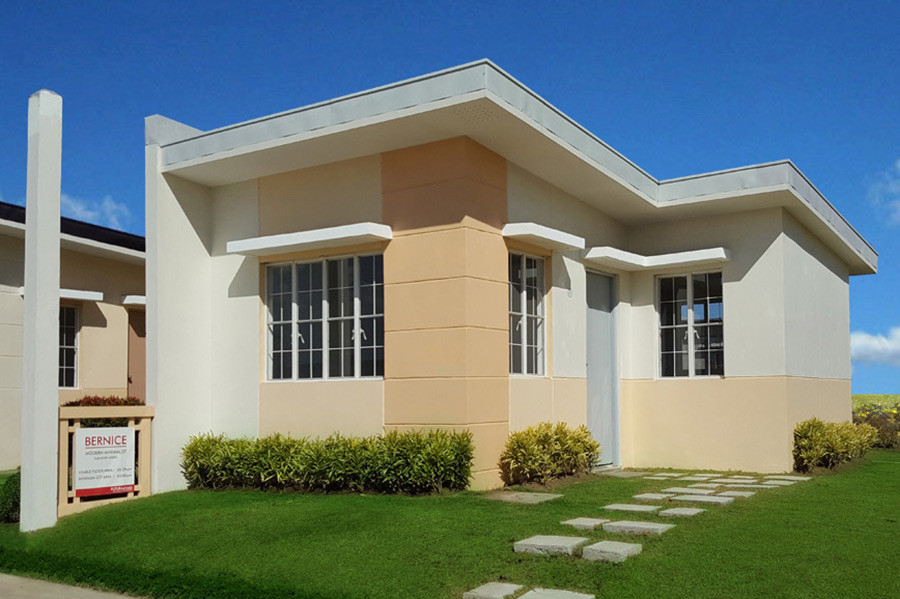

A spare room helps, but it is not enough by itself. When you visit a unit, the room may look okay while empty. Once you bring in a work table, chair, monitor, shelves, printer, chargers, and other work items, you may notice the outlets are in the wrong place, the room gets too dark, the signal is weak, or noise carries in from the street or living area.
For buyers who work from home some or most days, those are not small concerns. The same home will have to hold calls, reports, deadlines, meals, family routines, visitors, and rest. It should have a proper spot for work without making the rest of the home feel cramped or harder to live in.
Use this as a practical checklist when comparing a remote work office-ready house in the Philippines. Look closely at the layout, window position, storage, power access, sound control, and internet readiness before you reserve.
A three-bedroom home is usually the easiest arrangement if one room can be set aside mainly for work. But a home office-ready house in the Philippines does not always need to have three bedrooms. A well-planned two-bedroom unit can still work if the layout gives you a space that can stay prepared for work without crowding the rest of the home.
The dining table is fine for occasional tasks, but it can get tiring if you use it every day. Your laptop, papers, chargers, and other work items have to be cleared whenever the table is needed for meals, schoolwork, or family time.
If you are looking at a two-bedroom unit, check how the second room will actually function. Will it also be a child’s room, guest room, study area, or storage space? Can it hold your work items without making the room feel cramped? Can you close the door when you need privacy for calls?
A good layout gives work its own place while keeping the home comfortable for everyone else. If the setup feels like it will need too much rearranging every day, it may be better to compare another unit cut before reserving.
When viewing a home, do not just check if the room has a window. Check how the light enters the space at the hours you will likely be working.
Stand where your work table will probably go. If the window is behind you, sunlight may reflect on your laptop or monitor. If the window is directly in front of you, you may end up squinting, especially during video calls or long afternoons. A side window is usually easier to work with, but you still need to see where the sun actually hits.
If the room gets strong afternoon sun, expect to add curtains or blinds, or adjust the table position. This matters more during hotter months, when glare and heat can make a small room feel heavier.
Ventilation matters too, especially if you will spend long hours in the room. Check if the window opens, if air can move through the space, and how the room feels once the door is closed. If it gets stuffy quickly, you may end up relying on aircon more than planned.
A work area needs outlets in the right places. Your laptop or desktop, external monitor, printer, desk lamp, phone charger, router, and other work items may all need power during the day. If the room has only one or two outlets, or if they are far from where your table will go, the setup can easily become inconvenient.
Try not to depend on extension cords as your main solution. They may help for temporary use, but long cords across the floor can get messy and unsafe, especially in a room used every day.
Aircon is another item to check. If you plan to work in the room for long hours, ask if there is a proper outlet and circuit for air-conditioning. A laptop and monitor are one thing; aircon adds a much heavier load, so it is better to confirm this before move-in.
During viewing, check or ask:
how many outlets are in the room
whether the outlets are near the likely work table area
if there is a dedicated outlet or provision for aircon
where the router or modem can be placed
if the electrical panel and circuits can handle the devices you plan to use
For panel capacity, dedicated circuits, and load requirements, ask the project team or a licensed electrician. These are not details you need to guess on your own, especially if you plan to use the room as your regular work area.
Work items pile up quickly when there is nowhere to keep them. Papers, folders, notebooks, printer supplies, chargers, cables, books, and small office items should not all end up staying on the table.
When you view the room, look at the wall space after the main furniture is considered. One side may already have the window. Another may have the door, closet, aircon opening, or switch panel. A room can look spacious while empty, then feel limited once you start planning where the desk and storage will go.
A clear wall of around 2 to 3 meters is useful if you want a work table with shelves, drawers, or a slim cabinet beside it. If the wall space is broken up, you may need a narrower desk, freestanding storage, or wall-mounted shelves.
The storage does not have to be big. It just needs to keep work items from spilling over to the bed, dining area, sofa, or kitchen counter once the workday is done.
Noise is easy to miss when you are only inside a room for a short visit. If you plan to work there, listen to what is nearby. A room beside the kitchen, living area, main door, or a child’s bedroom may catch more of the usual sounds at home.
Check the door too. A solid-core door can help reduce noise better than a lighter hollow-core door, though it will not make the room soundproof. It can still help when people are talking outside, the TV is on, appliances are running, or someone keeps passing by.
If you are looking at a townhouse, row house, or condo, ask what is on the other side of the shared wall. It may be another bedroom, a hallway, a utility area, or the next unit. That gives you a better sense of what you might hear during work hours.
During the visit, try closing the door while someone speaks from the hallway, living area, or kitchen. A simple check can show whether the room gives enough privacy for calls, meetings, or work that needs more concentration.
Before making a decision, ask how internet installation works once the unit or home is ready. A good location helps, but the actual connection will still depend on the exact address, the building or community setup, provider coverage, and when the provider would schedule the installation.
For a new Futura by Filinvest home, our team can help you check which internet providers may serve the specific development. Ask when installation can be arranged after turnover, and if the installer will need forms, valid IDs, gate clearance, or admin approval before entering the property. You can also have your address checked directly with the local internet provider.
Mobile data is helpful as backup, but it should not be your main plan if your work involves long calls, file uploads, shared drives, or company systems. For regular work-from-home days, a stable home internet connection is still the safer setup.
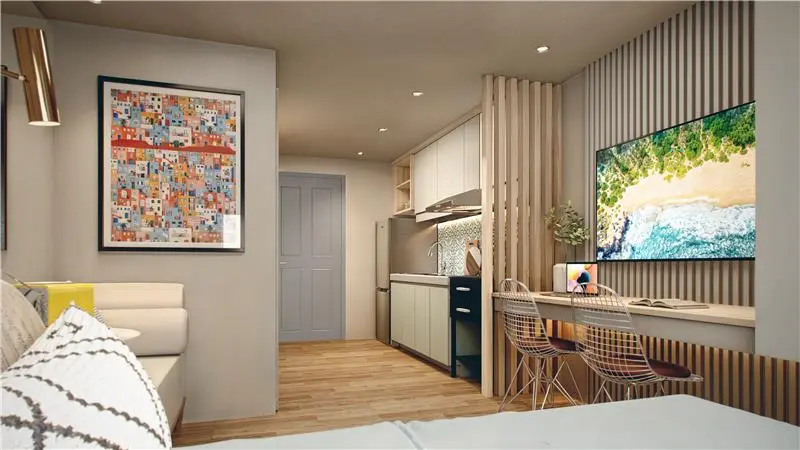
If working from home will be part of your routine, look beyond the address alone. Consider whether the unit gives you enough room for a dedicated work area, how easy it is to reach everyday amenities, and what internet providers can actually service the specific unit or house.
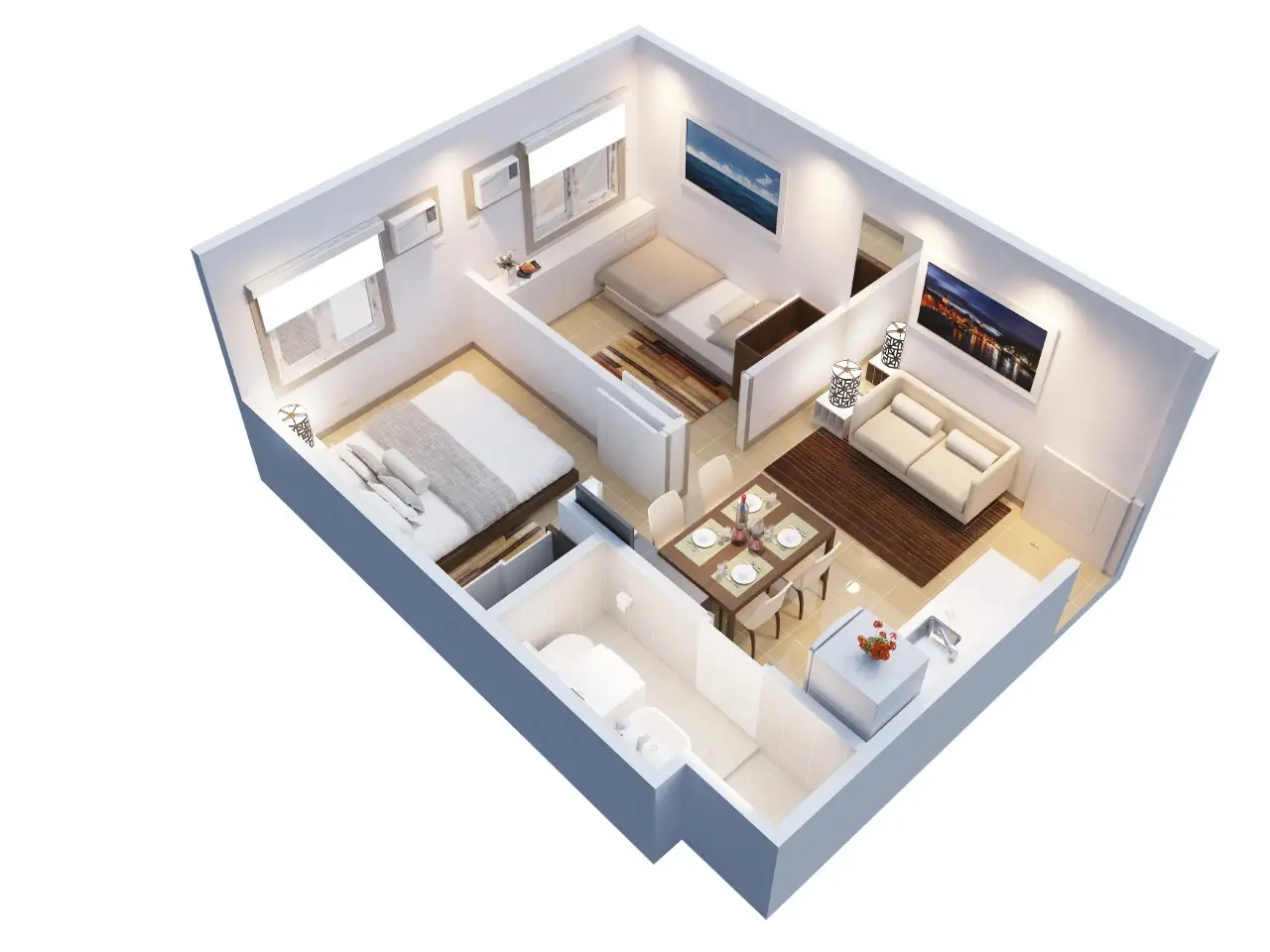
For a city-based setup, Verde Spatial in Quezon City offers practical unit options along Commonwealth Avenue, making it easier to balance working from home with access to everyday essentials.
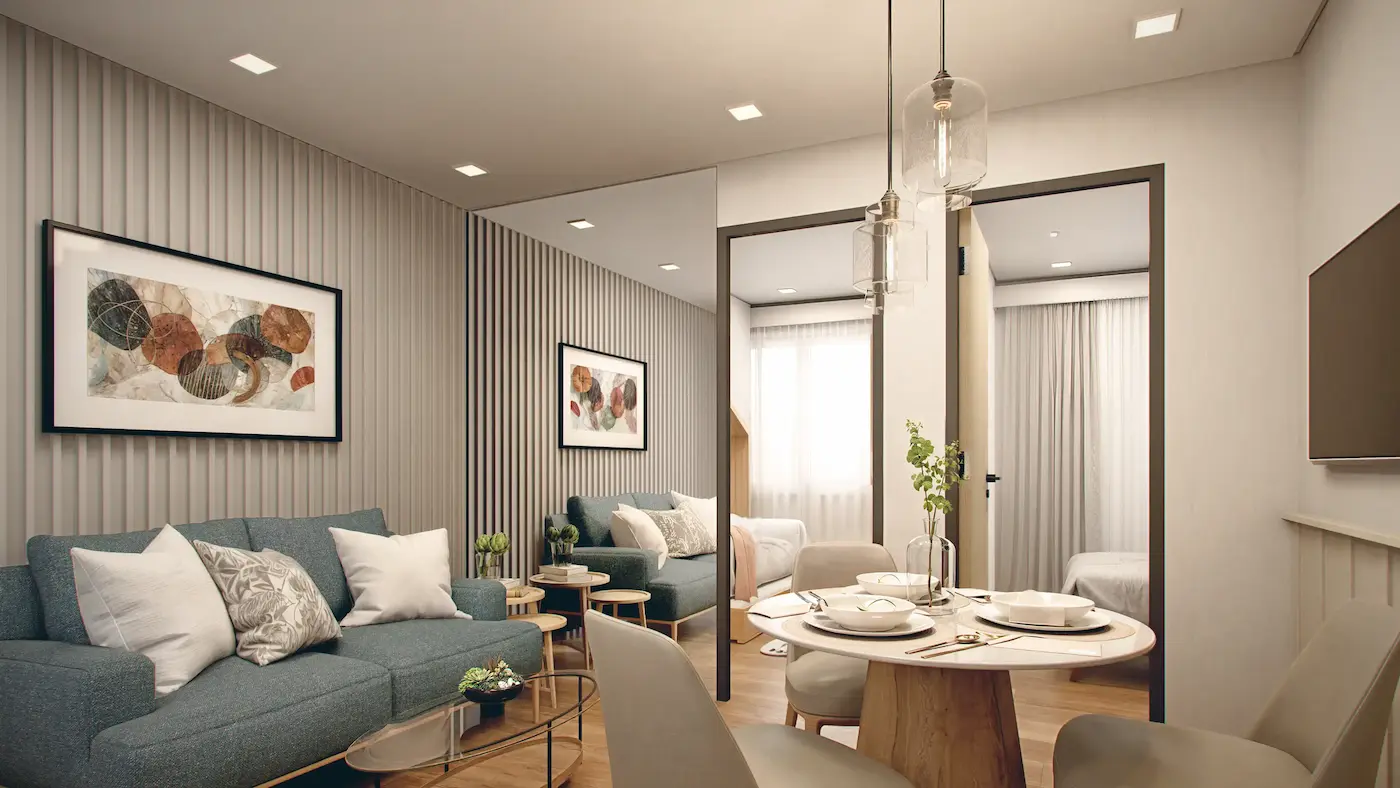
Futura East in Cainta combines a residential setting with the conveniences of the larger East Town development, useful for those who want work-from-home days without being far from commercial areas.
For those who prefer more space and a house-and-lot environment, Futura Homes Mactan offers a gated residential setting within reach of key destinations in Lapu-Lapu City.
Tour these WFH-ready Futura units and ask about internet options for the specific unit or home you are considering. Talk to a property specialist today.
Share this article