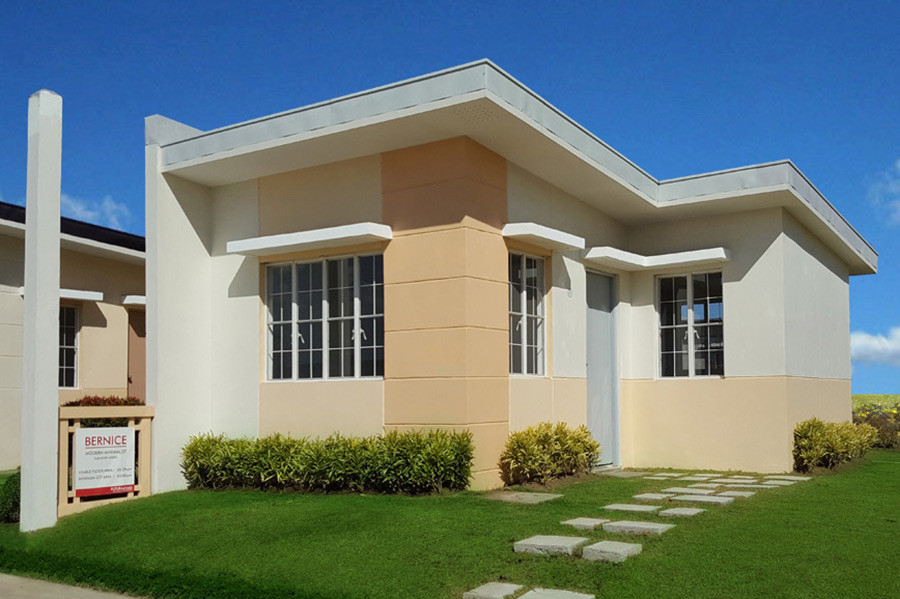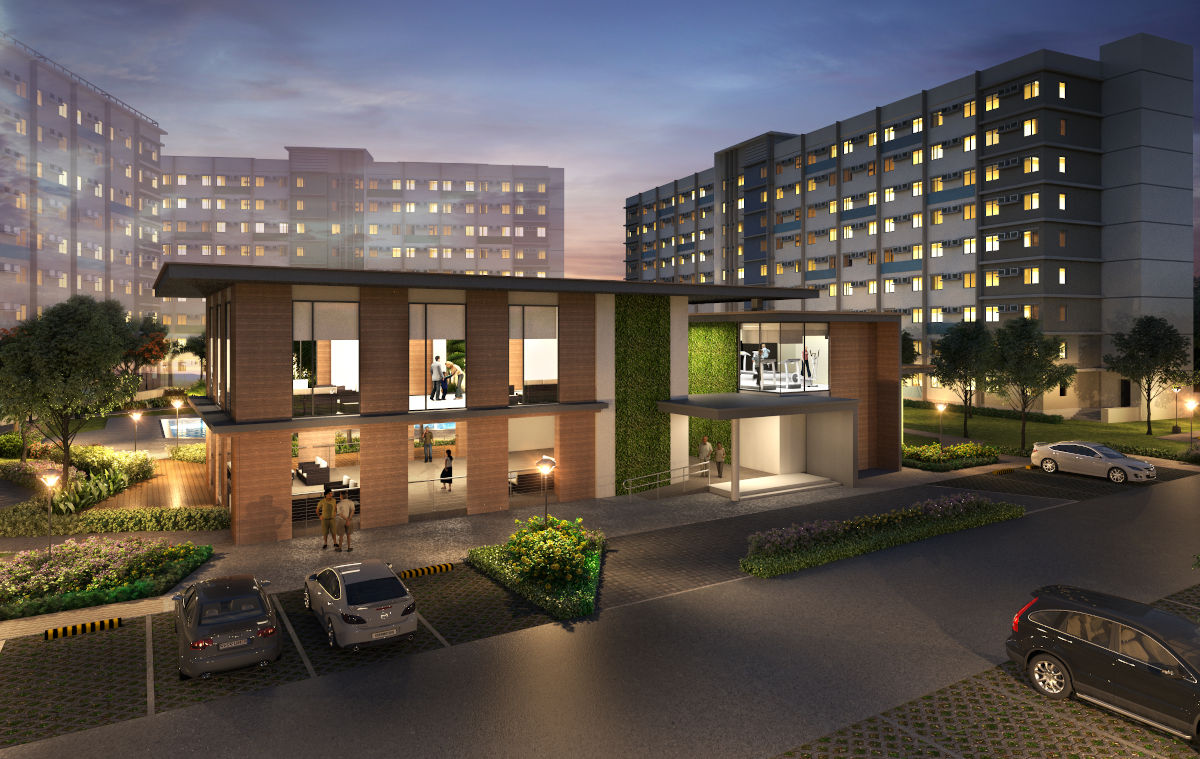
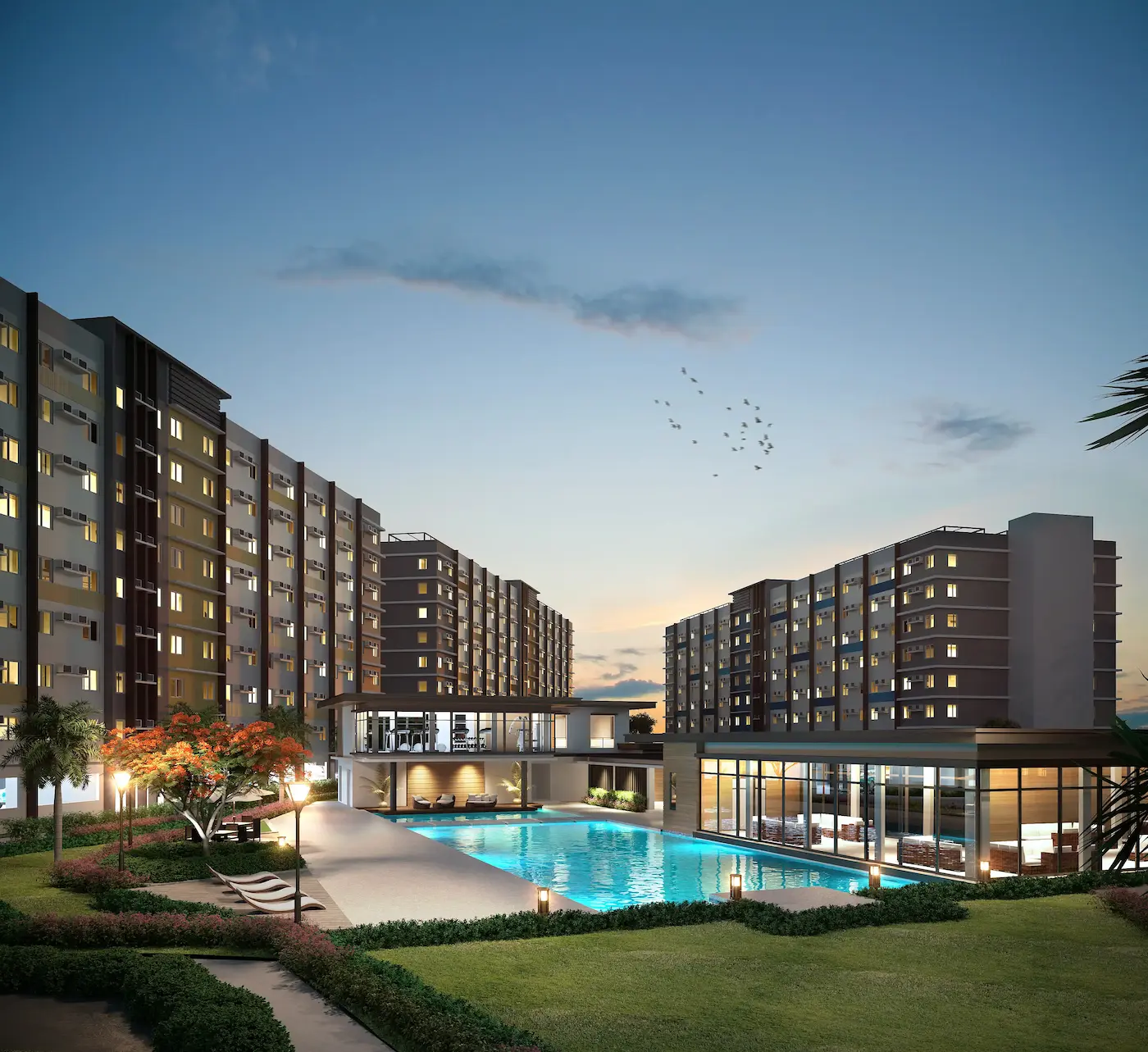
Before you reserve a home, check the internet connection the same way you check the water, power, and other important factors like the commute and monthly amortization in the property.
A weak connection can turn a normal day into stress. Work calls could freeze. Online classes might lag. Files may take too long to upload. Streaming buffers when someone else in the house is on a meeting. Even simple things like online banking, group chats, and security cameras become harder to deal with.
And yet for many Filipino families, reliable home internet is now part of daily life. This is especially true if someone works from home, runs an online business, or shares the connection with several people in the household.
The tricky part is that internet coverage isn’t always the same everywhere. Even within the same subdivision or building, one street or unit might already have PLDT, Globe, Converge, or another fiber provider, while another nearby spot might have fewer choices or a longer wait for installation.
In this guide, we’ll walk you through how to figure out the right speed for your household, which providers to look into, and the key questions to ask about connectivity before you decide on a property.
What Internet Speed Should You Look For?
Think about a typical weekday at home. How many people are using the internet at the same time? Is someone on Zoom? Are the kids in online class? Is anyone streaming, gaming, uploading files, or running an online business from home?
50 Mbps to 100 Mbps
This can work for lighter use: browsing, social media, email, bills payment, streaming, and occasional video calls. It may feel limited once two people are on meetings or online classes at the same time.100 Mbps to 300 Mbps
This is a more comfortable range for homes with one or two people working from home. It gives more room for video meetings, cloud apps, file sharing, streaming, and the usual phones and tablets connected in the background. Zoom video calls typically use around 3.8 Mbps upload and 3.0 Mbps download per user, while other video call platforms can require up to 3.2 Mbps outbound and up to 4.0 Mbps inbound depending on the meeting configuration.200 Mbps to 400 Mbps
This is a safer choice for families where parents work from home while children attend online classes or use several gadgets during the day. The connection is not only serving one laptop. It may be handling phones, tablets, a smart TV, security camera, game console, and app updates all at once.400 Mbps and up
Look at this range if someone at home regularly uploads large files, edits videos, livestreams, plays online games, works with cloud storage, or streams in 4K on more than one screen. Netflix recommends at least 15 Mbps for 4K streaming on one device, so a busy household will need more if several people are online together.
Upload speed is important too. It’s not something you’ll often see highlighted in ads, but you’ll definitely feel it during video calls, when sending files, backing up photos, or going live online.
For many Filipino families buying a home in 2026, starting at around 100 Mbps just makes more sense than going for the lowest plan. If several people are online at the same time, it’s better to pick a plan with enough bandwidth so things don’t slow down when everyone’s using the internet at once.
Which Internet Providers Should You Check?
After deciding on your target speed, check which providers can actually install at the property. Do this using the full address, not just the city or barangay. Internet coverage can still differ by subdivision, phase, tower, street, or unit.
In the Philippines, these are the usual providers buyers compare:
PLDT Home Fiber
PLDT Home is one of the first providers many buyers check. Its Fiber Unli Plan 1299 is listed at up to 100 Mbps for new broadband applications. When checking coverage, use the complete property address and ask if the line is already available for installation.Globe GFiber
Globe’s GFiber plans include Plan 1499 at up to 300 Mbps and Plan 1999 at up to 500 Mbps, with higher-speed plans available. Globe also promotes WiFi 6 and whole-home WiFi options. For buyers, the important detail is whether the specific unit, lot, or phase is already covered.Converge FiberX
Converge is worth checking if you want higher-speed plans. Its Super FiberX plans range from up to 200 Mbps to up to 1,000 Mbps, with WiFi 6 modem included across plans. Confirm first if the provider can serve the exact address you are considering.SKY Fiber / SKY TruFiber
SKY Fiber plans range from up to 100 Mbps to 1 Gbps. Some offers are location-specific, so check if the property is within an active service area before comparing plans.
Do not stop at the words “fiber-ready.” Ask which providers are active now, what plans can be installed, how long installation usually takes, and whether the specific unit or phase has any pending line work.
Check If the Home Layout Properly Supports Wi-Fi
Even if fiber is available, the connection can still feel weak once you are inside the home.
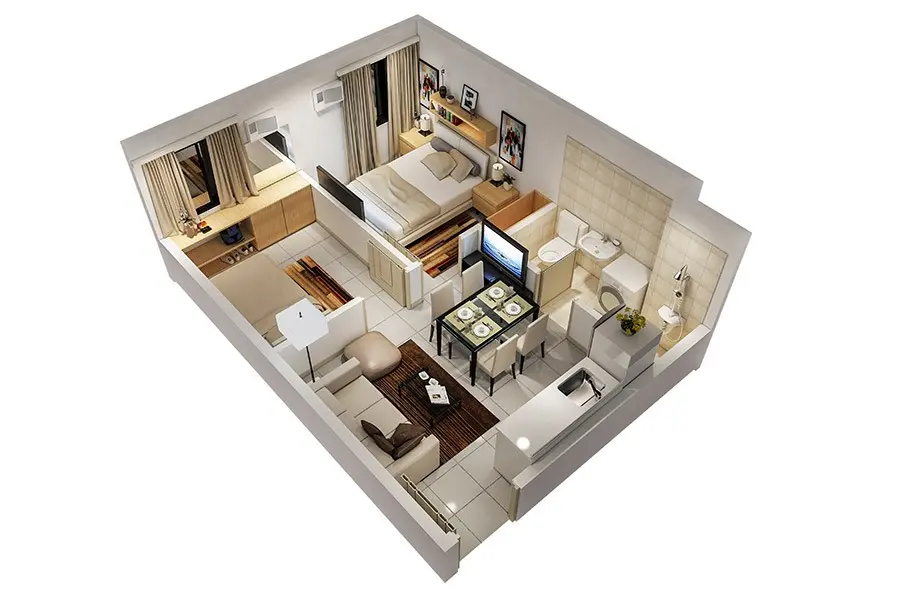
A fast plan will not help much if the modem is placed too far from the rooms where your family actually goes online. Thick walls, several closed rooms, or a second floor can also weaken the signal. Before deciding, picture where the internet will be used most: the work desk, dining area, study corner, bedrooms, living room, or a small space for an online business.
For a house-and-lot or townhouse, find out where the modem is usually installed. If the home has two floors or many rooms, you may need mesh Wi-Fi or extra access points so the signal reaches the spaces your family uses every day.
For a condo, look at the modem location and nearby outlets. Think about where you will place your work desk, smart TV, or study table. A unit may have fiber access, but daily use can still be frustrating if the signal is weak in the wrong spot.
It also helps to have a backup. A pocket Wi-Fi or mobile data plan can save you during an urgent meeting, online class, deadline, or service interruption. It should not replace your main fiber line, but it can keep the household going when the connection acts up.
When comparing homes, you ultimately shouldn’t just focus on the internet plan. Look at the layout, where the router will go, the available outlets, and whether you have a backup option too.
Why Connectivity Should Be Part of Your Futura Home Search
Futura is for buyers who want a home that works for real family life: workdays, school days, online errands, video calls, streaming, and everything in between.
That is why the internet connection should be checked before you reserve. Your Futura property specialist can help confirm the setup for the exact home you are considering, whether it is a specific phase, block and lot, tower, floor, or unit.
You can ask which providers are already available, which ones are still being coordinated, and what the usual installation timing may be before or after turnover. It also helps to know where the router or connection point may be placed, especially if you need a work area, study space, smart TV, security cameras, or a small online business setup at home.
A good Futura home should fit the way your family lives every day. Check connectivity early, so your move-in is better prepared for your lifestyle from the start.
Share this article